
Introduction#
This is your average college professor asking students to install Anaconda.

Your professor hasn’t been catching up with the industry standards for over a decade and probably doesn’t even know that Anaconda is not a package manager but a distribution of the package manager conda.
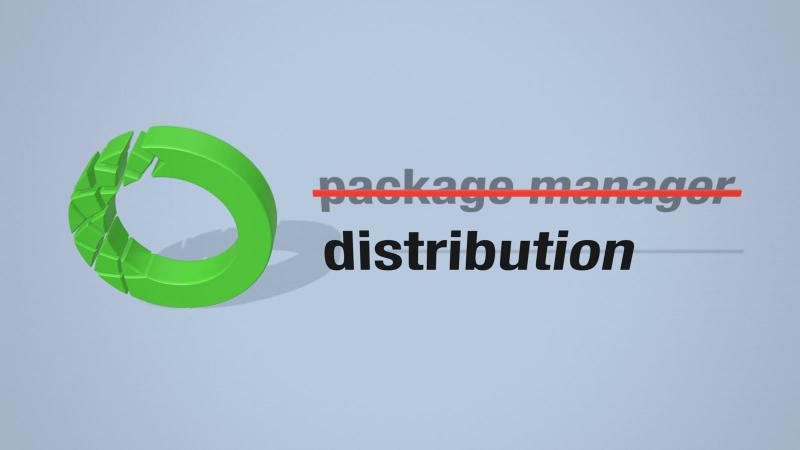
conda#
conda installs software written in any language, including Python itself. Some packages are fully Python, like Django. Others are partly Python, like NumPy, or not Python at all, like ffmpeg and PostgreSQL. Of these, pip is made for the first two kinds, whereas conda is made for all three.
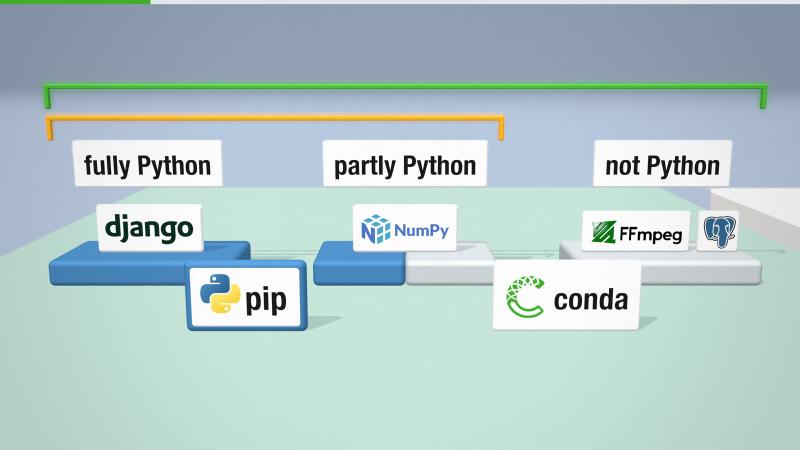
Over a decade ago, pip could install packages only from their source code, so each scientist needed C and Fortran compilers to install NumPy and SciPy. Python’s creator (Guido van Rossum) told them they were better off building their own packaging tools. Months later, the company now called Anaconda released conda.
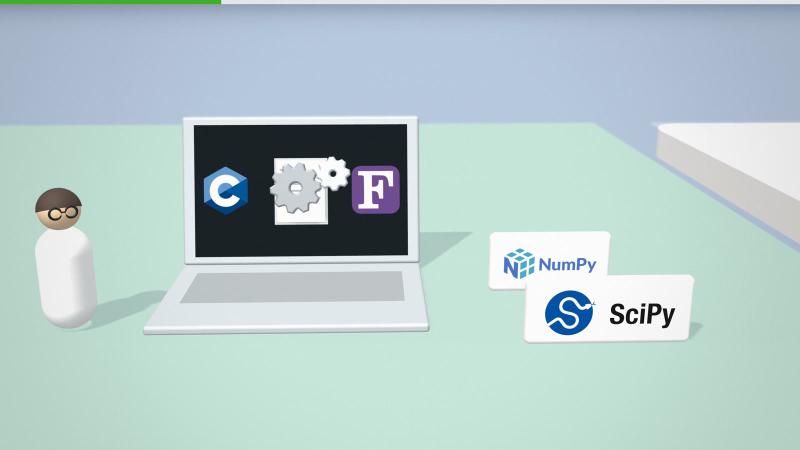
conda downloads packages that are already built, so nothing has to be compiled on the user’s machine. A place that stores packages for installers is called a repository, and conda’s repositories are called channels. Each project’s packages can go into a separate folder, which is called an environment.
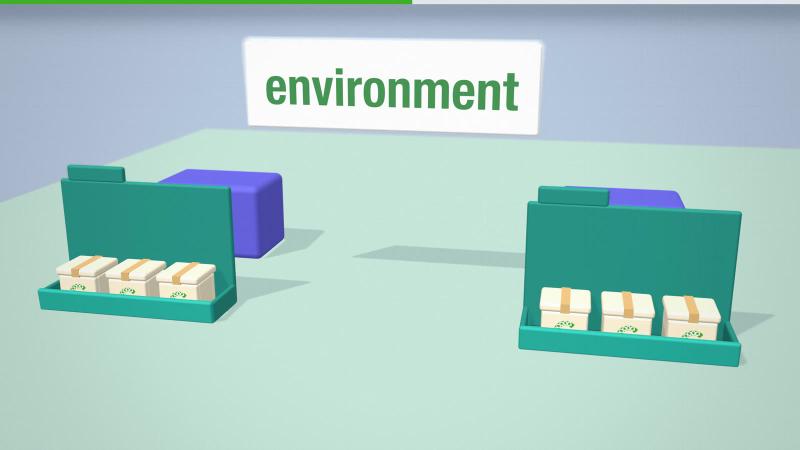
Not every Python package has a conda package, so a conda environment can also use pip. The conda init command edits a shell’s startup file, so each new terminal starts in conda’s base environment, even for a project that doesn’t use conda.
Like Anaconda, Miniconda and Miniforge are installers that include conda but often without the extra packages. With Anaconda and Miniconda, conda’s default channel is Anaconda’s own. Miniforge uses only a free community channel called conda-forge.
Because few of its downloads came through conda, PyTorch stopped publishing its own conda packages. A footnote on Anaconda’s download page says that larger companies need a paid license. A project that still needs conda can install it through Miniforge. For new projects, conda is now outdated.
But before conda, there was pip.
pip#
pip is the package installer that comes with Python. Its name is a recursive acronym for “pip installs packages”.
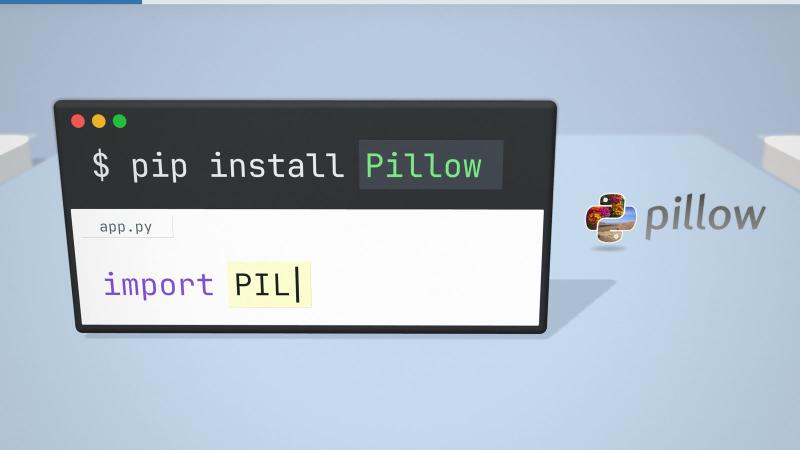
pip downloads packages from a repository called the Python Package Index, or PyPI. A package is a project’s files packed into one file to share. The name that pip installs can differ from the name that code imports. Pillow, for instance, is imported as PIL.
A package on PyPI can come as a zip file ready to install, which is called a wheel. Many packages include parts written in C, C++, or Rust to run faster. Code in those languages is compiled into machine code separately for each kind of machine, which is called a platform. Like a conda package, a wheel can hold that code already compiled for one platform, so installing it needs no compiler. The pip installer gained wheel support the year after conda came out.
On each install, pip unzips the matching wheel into a folder called site-packages, where Python finds it. Authors can also publish their source code, which is called a source distribution. Without a matching wheel, pip builds the package from it, if there is one.
Packages often need other packages, which are called dependencies. A package can list a version range for each dependency. In an install, pip picks one version of each package that fits every range. This is called dependency resolution.
Since pip installs into the site-packages of the Python that runs it, every project on that Python shares one folder. The folder holds only one version of each package, so one install can break another project’s packages. This is called a dependency conflict.
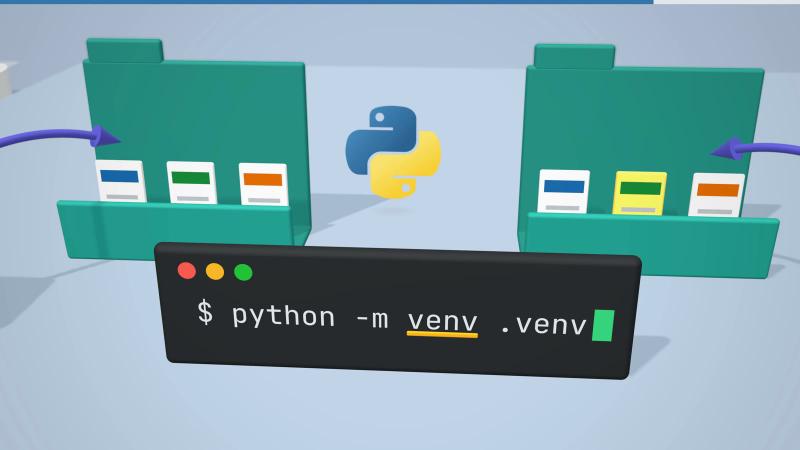
A separate site-packages folder for each project is called a virtual environment. Python comes with a tool for making virtual environments, which is called venv. Installing into a virtual environment is called a local install. Installing into the shared folder is called a global install, which should be avoided in general. Debian and Ubuntu ship pip as a separate package. Their own tools run on a Python called the system Python, so they block global installs into it by default.
pip is still a good and reliable package manager when another tool has already set up a virtual environment.
pip-tools#
pip-tools fixes every dependency at one exact version, which is called pinning.
Before pip-tools, teams were using the pip freeze command to pin dependencies. It prints the installed packages with their versions, and teams saved that list as a requirements file. The problem was that the list mixed the team’s packages with their dependencies, so over time, nobody remembered which packages the project still needed.

A requirements.in file lists only the packages a team chooses and the versions it allows. This is called a manifest. The pip-compile command resolves them and writes every exact version to requirements.txt, which is called a lock file. Every later install on the same platform and Python version gets the same versions, so the install is reproducible. A comment under each line names the package that needed it. JavaScript’s npm and Rust’s Cargo also keep a manifest and a lock file.
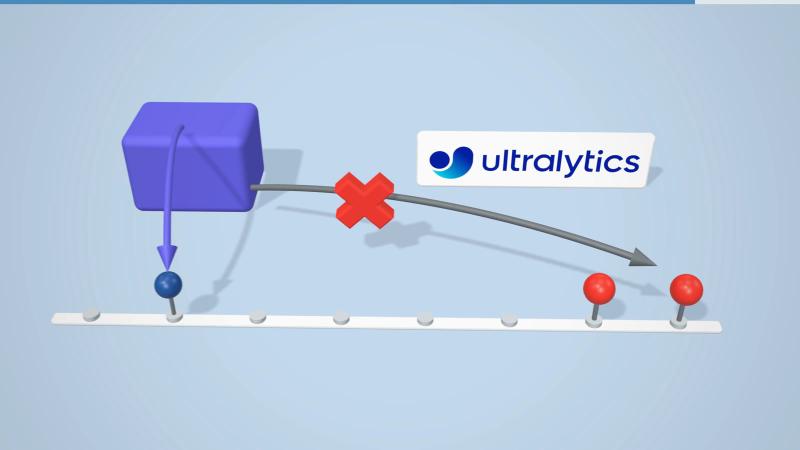
Pinning also protects against a supply chain attack, which comes through a dependency. For example, projects pinned to an earlier version of the ultralytics library didn’t install the newer versions that ran a hidden cryptocurrency miner. PyPI’s own code pins its dependencies with pip-compile.
pip-tools suits a project that installs pinned versions with plain pip.
Pipenv#
Pipenv joins pip, a virtual environment, and a lock file into one tool.
Until Pipenv, a project ran venv, pip, and pip-tools by hand, as three separate tools. Pipfile is Pipenv’s manifest, and Pipfile.lock is its lock file. The lock also stores a short code computed from each file’s bytes, which is called a hash. If a file changes, its hash changes, so Pipenv refuses it.
Pipenv is built for applications, like a website, where a team can pin every version. A library, like Requests, lists ranges instead, so each project that installs it can find versions that fit all its packages.
Pipenv makes sense for an application that already keeps a Pipfile.lock.
Poetry#
Poetry handles dependencies, builds, and publishing from one file. Before Poetry, library authors still built packages with setuptools and uploaded them with twine.
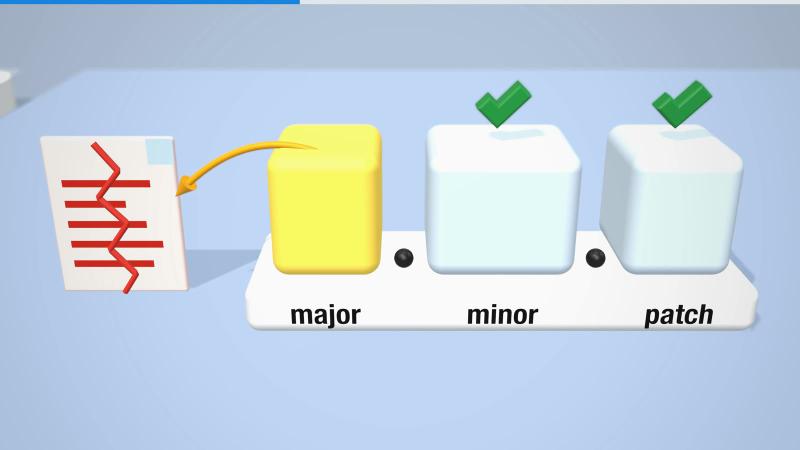
Poetry keeps a project’s settings in a file called pyproject.toml. Many packages number their versions as major, minor, and patch. Only a new major version can break existing code, whereas minor updates are for new features and patch updates are for bug fixes that are backwards compatible. This is called semantic versioning. So, when a project adds the Requests library, Poetry writes a range from 2.34.2 to below 3.0. Poetry resolves every range for every Python version the project allows and writes the result to poetry.lock.
Poetry’s docs warn that this default limit below 3.0 can block a library’s users from installing versions that work. In general, if you are writing a library, meaning that your code is meant to be used by others, you should allow the latest version of every dependency, unless you have a good reason to block it. If you are writing an application, meaning that your code is meant to run on its own, you should pin versions, so you can control when to update them securely.

Poetry fits a project that needs one tool to lock, build, and publish it.
PDM#
PDM is a package manager built to follow Python’s packaging standards, which are written as Python Enhancement Proposals, or PEPs.
Poetry kept its settings in a section of pyproject.toml that only Poetry used. A PEP then defined a standard project section (PEP 621), so that tools could read a project’s name and dependencies. PDM supported it pretty quickly within months, but Poetry only years later.
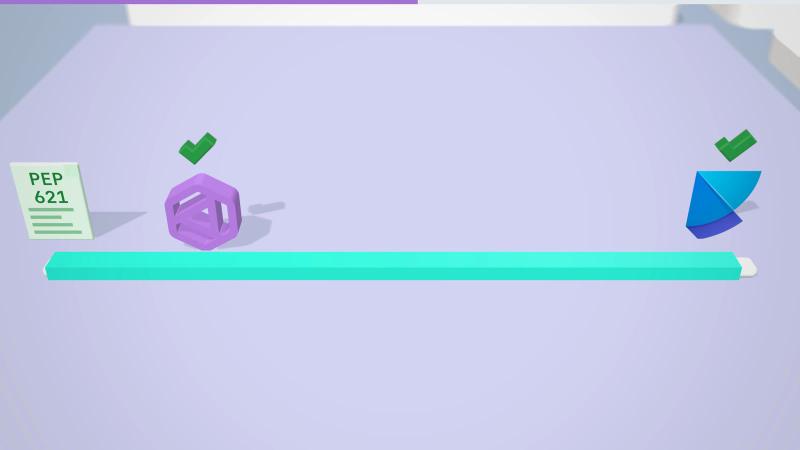
Each tool also wrote its own kind of lock file. Another PEP defined a standard one named pylock.toml (PEP 751), so a lock made by one tool can be installed by another. PDM supported exporting pylock.toml within weeks.
PDM still supports most modern packaging functionality that you need, including building and publishing, and is for a team that wants new packaging standards early.
Hatch#
Hatch is a Python project manager.
Teams using Poetry or PDM often added tox or nox to test a library on several Python versions.
Hatch can make one test environment for each Python version. The set of environments is called a test matrix. Hatch can also install those Python versions itself, unlike pip and venv.
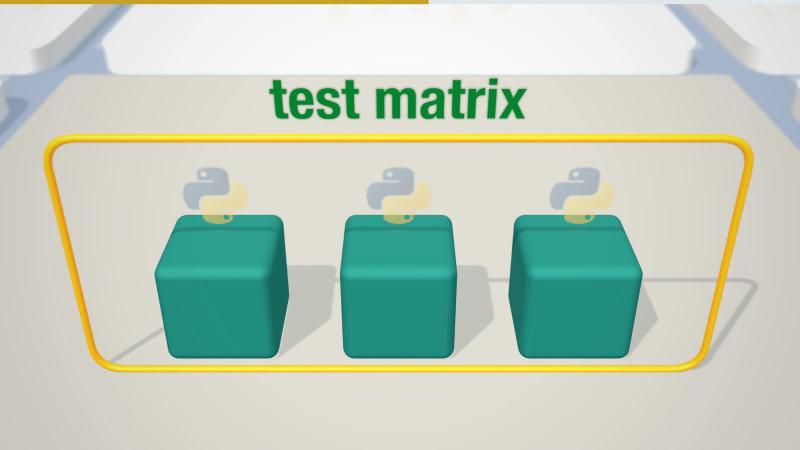
Hatch added lock files only years after users asked. They are still off by default.
Hatch serves a library that runs its tests on several Python versions.
Mamba#
Mamba is conda rewritten in C++. It installs the same packages from the same channels.
As the conda-forge channel grew, conda could show Solving environment for minutes while it took Mamba seconds. conda later made Mamba’s solver its default, so conda became fast too.
There is also micromamba, which is Mamba in one small file. It is the pick for a build job or a container that needs conda packages.
Pixi#
Pixi is a project manager that installs conda packages and PyPI packages into one environment and records them in one lock file.
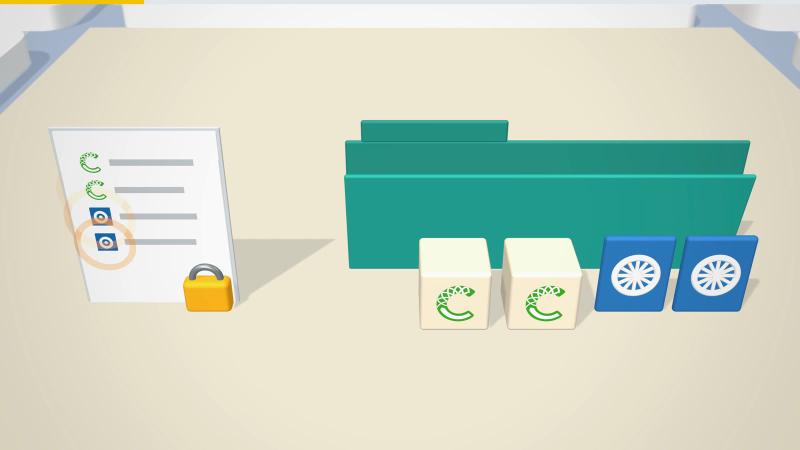
conda kept no lock file of its own. When pip added packages to a conda environment, conda didn’t track the changes either. Pixi first locked conda packages, then added PyPI support. Built-in lock files reached conda only years later.
Pixi doesn’t run conda or Mamba underneath. For conda packages, it uses a set of Rust libraries called Rattler. For PyPI packages, it uses uv as a library. Pixi resolves conda packages before PyPI packages, so the conda versions it picks can conflict with PyPI requirements.
pandas and SciPy now build and test with Pixi.
For a new project that needs conda packages, Pixi replaces conda.
uv#
uv is a Python package and project manager written in Rust.
uv comes from Astral, the company behind the Ruff linter and the ty type checker. OpenAI later agreed to acquire Astral.
uv began as a faster replacement for pip and pip-tools.
PyPI can serve a wheel’s list of dependencies as a small file, so uv can read it without downloading the wheel. When two choices conflict, uv’s resolver records the pair and never tries it again. Poetry’s resolver uses the same method, which is called PubGrub.
uv keeps one cache of every package it downloads. New environments can share those files on disk instead of copying them. One uv.lock file covers the project’s supported platforms and Python versions.
uv puts the environment in a .venv folder inside the project, so deleting the project deletes it too. Pipenv, Poetry, Hatch, and conda keep theirs in a central folder by default.
uv can’t install conda packages.
uv is the tool for a new project whose dependencies all come from PyPI.
Choosing One#
Over the years, most of these tools added the features the others had first. So, you will usually find one that has the features your project needs.
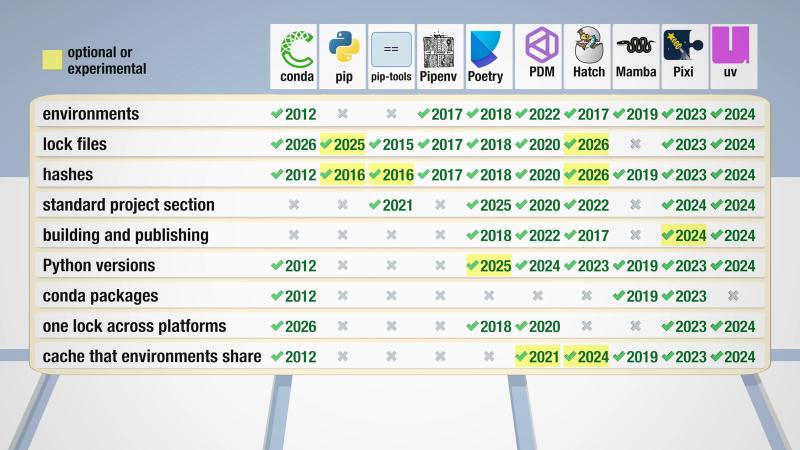
But among the tools with the features a project needs, speed still matters. A developer rarely notices a few seconds. Teams test every push on a continuous integration server. Each run usually installs the dependencies again. For example, uv installs one project’s packages from scratch multiple times faster than pip. A slow install wastes those seconds of compute on every run.
So first, learn pip and venv, the default tools built into Python. Then use uv for real projects. If you need conda packages, use Pixi. But you probably don’t need conda packages as much as you think, since NumPy, SciPy, and PyTorch all ship wheels on PyPI.
This was Chapter 4 of the Pip Install Series, where we covered managing Python packages. Next up, we will cover Docker.
See you there!